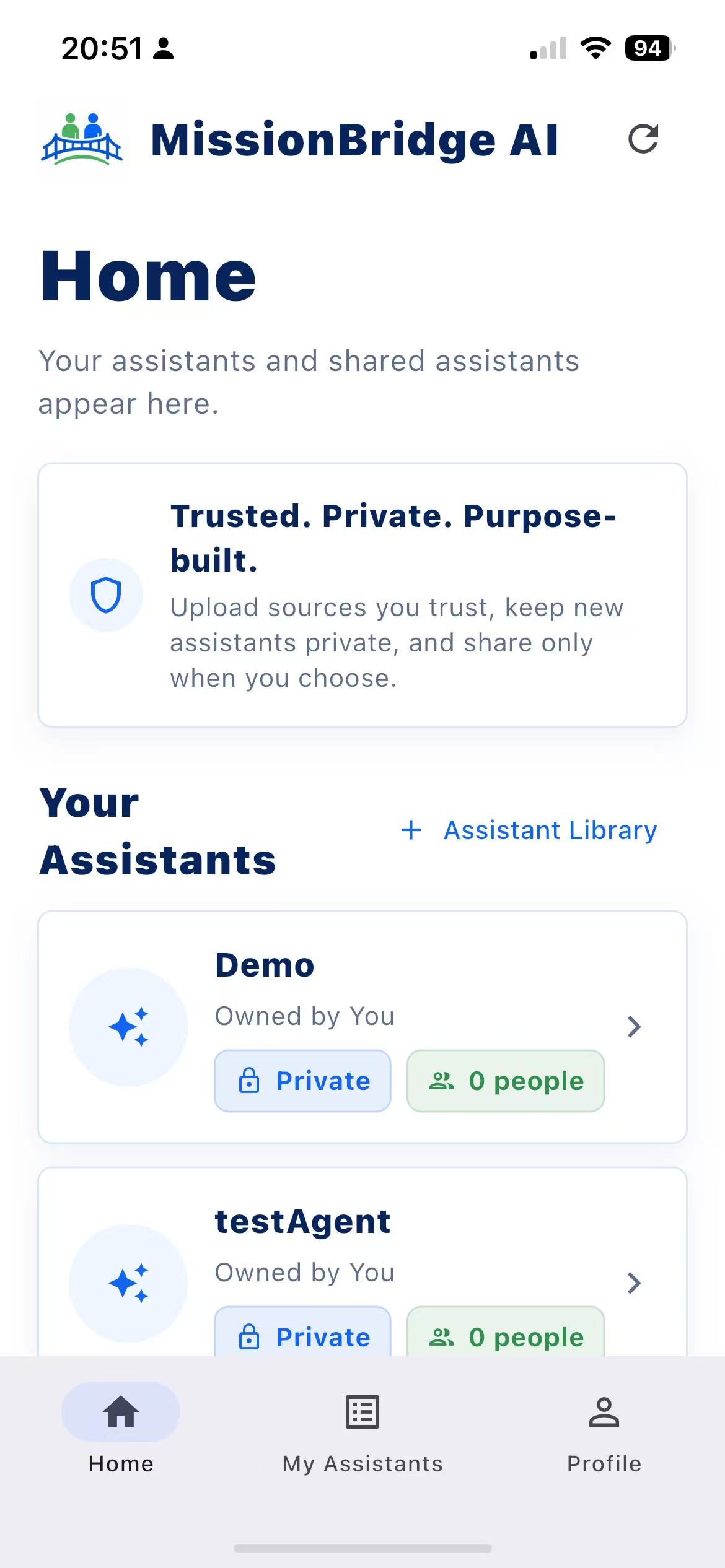
Your home page shows everything you've built
All your assistants are right there. Check what you last used and jump back in.
 MissionBridge AI
Personal assistants, made by you
Make a Study Coach, a Writing Helper, a Project Planner, or something only you need. Give it instructions, upload your files, and decide if it stays private or gets shared with a few people.
What it does
You create the assistant, give it instructions, choose what it can access, and decide who else gets to use it.
All your assistants are right there. Check what you last used and jump back in.
Don't feel like starting from scratch? Use a template or a share code, or start from nothing. Whatever works best for you.
Ask something, and it'll show you which file it pulled from. No guessing.
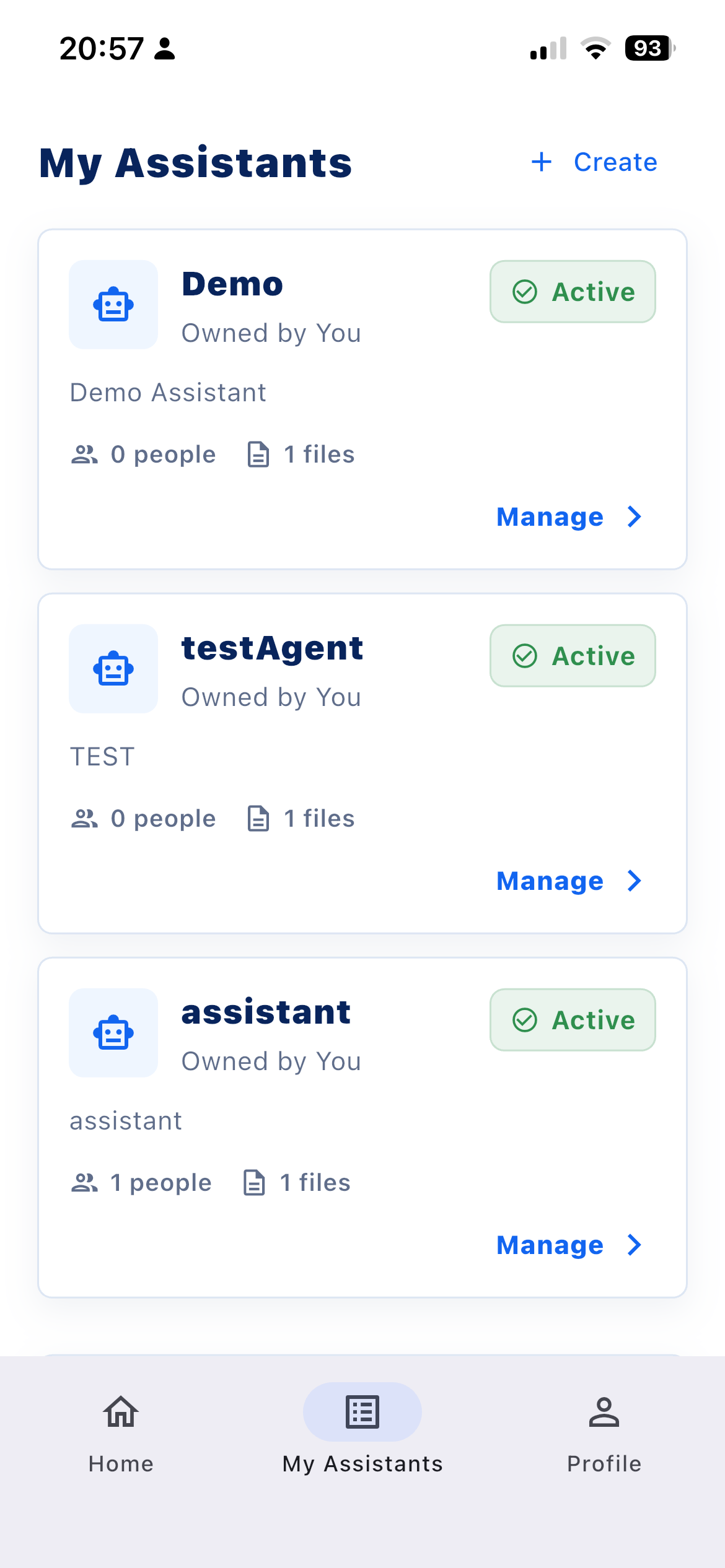
Change the instructions. Swap files. Adjust who can see it. Archive it. Make a copy. No digging through menus.
Mobile flow
Continue a chat before work, add a file after a meeting, or change sharing once a project wraps up. The controls travel with you.
Build Path
Name your assistant and figure out what you want help with. Maybe you're studying, want feedback on your writing, planning something out, doing research, or handling a task you repeat all the time.
Upload your notes, PDFs, drafts, or anything else it should reference. You can swap files, add new ones, or delete what you don't need later.
Try the kinds of prompts you'd actually use day to day. If something feels off, check the source badge to see where the answer came from, and adjust your instructions.
Keep it to yourself, or invite a few people to try it. You're still the owner, so you can turn off sharing whenever you want.
Start simple